If you wish to forward all incoming emails to another account, here is how you can do it:
- Login to the webmail interface.
- At the top of the page, click on menu icon besides OX symbol.
- Click on Settings.
- Enter the email address to which you want to forward your emails to.
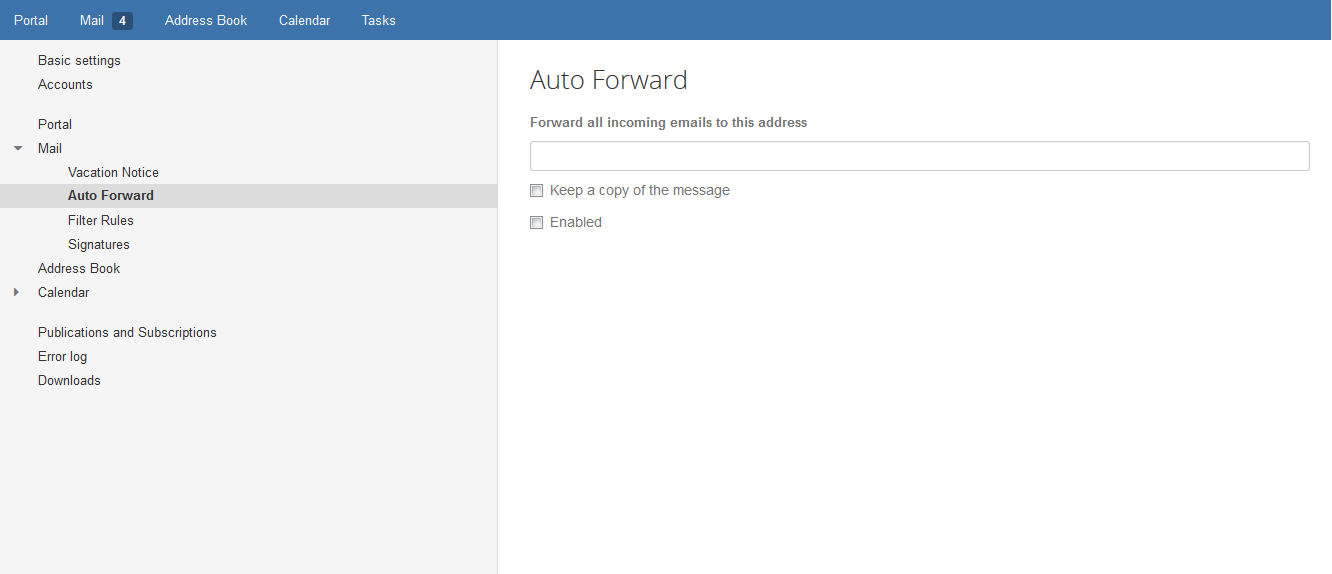
Over here, you can choose to either ‘Keep a copy’ in the original recipient. Or if you wish, you can directly forward without storing the message in the Inbox.